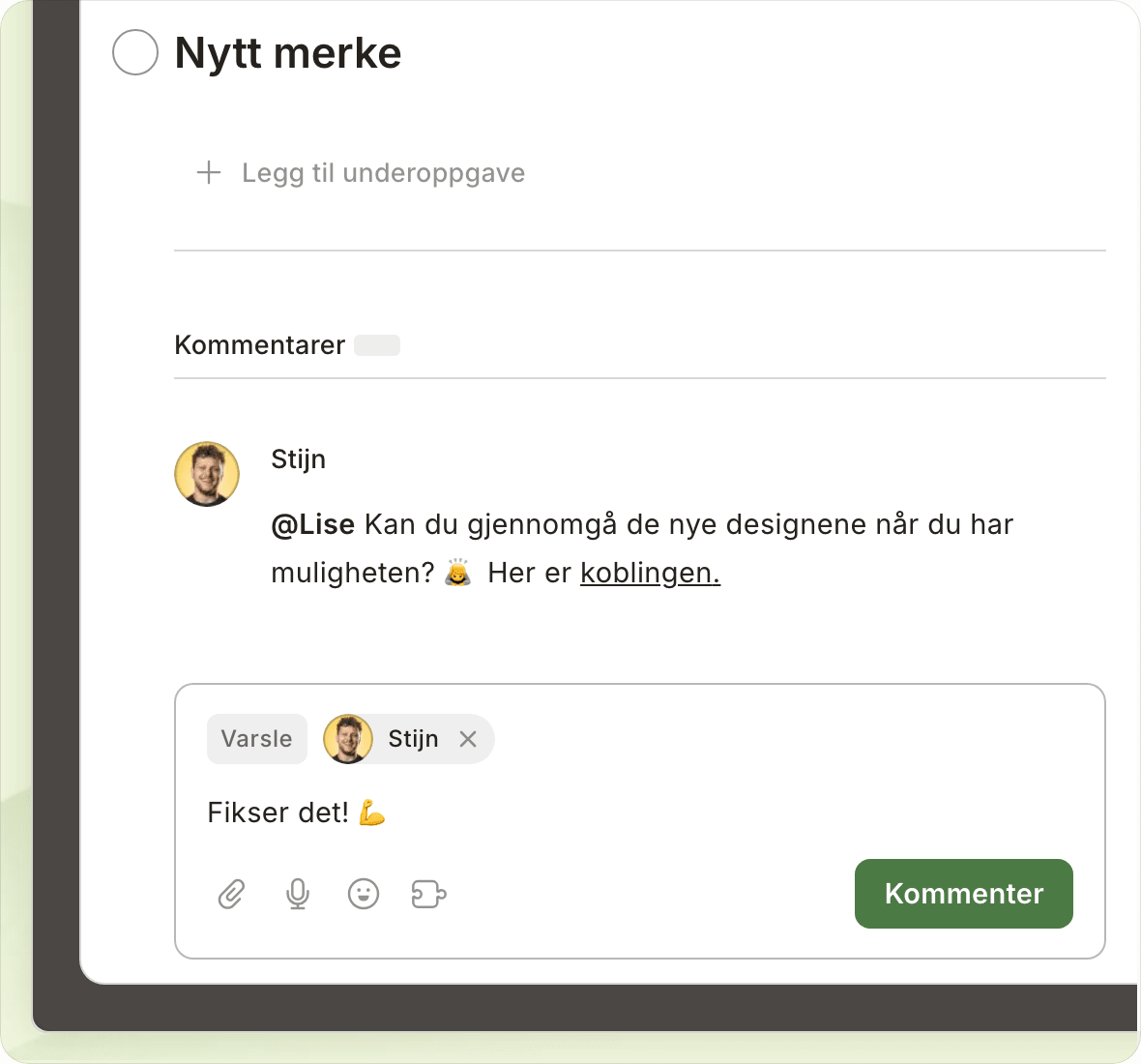
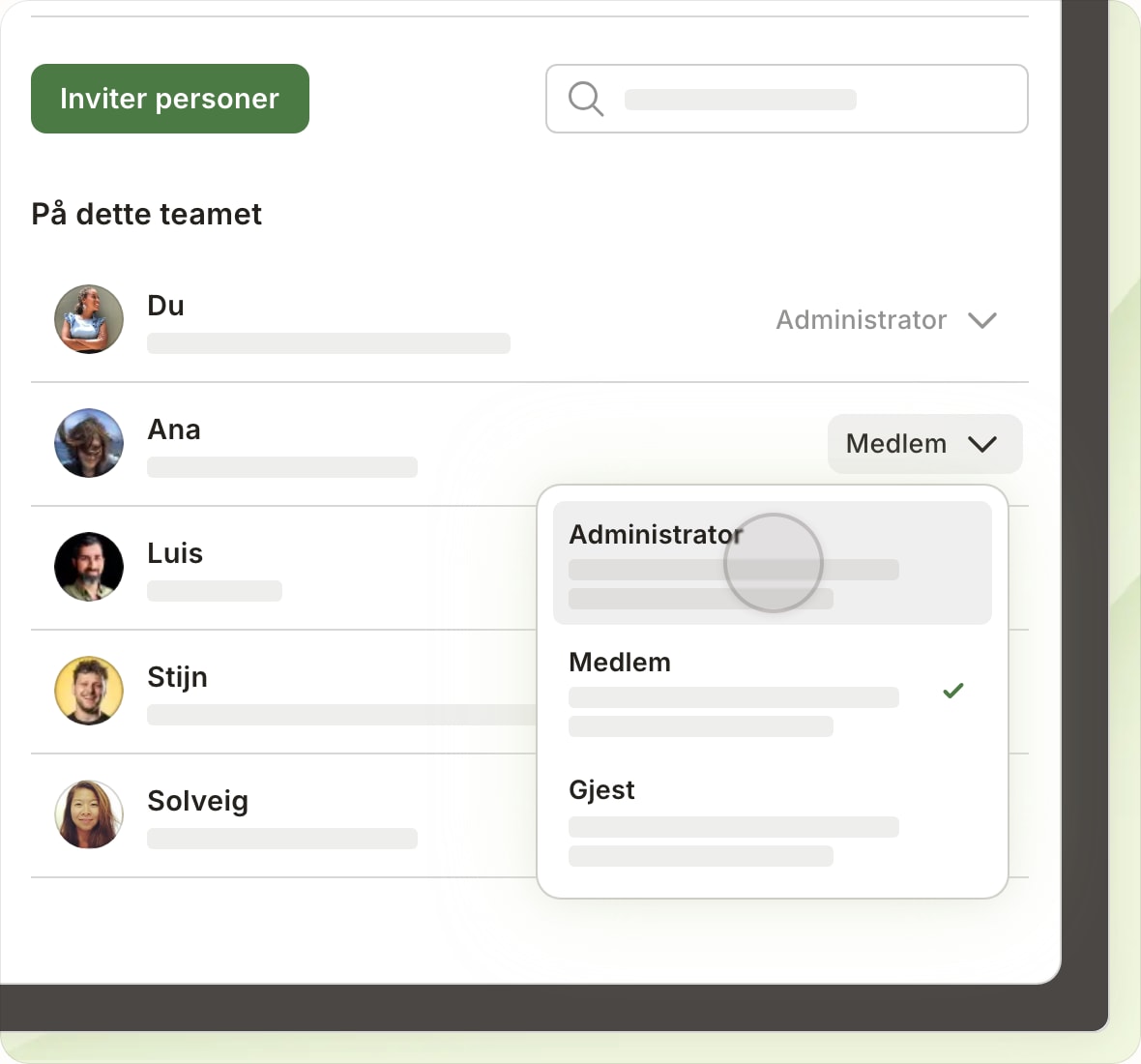
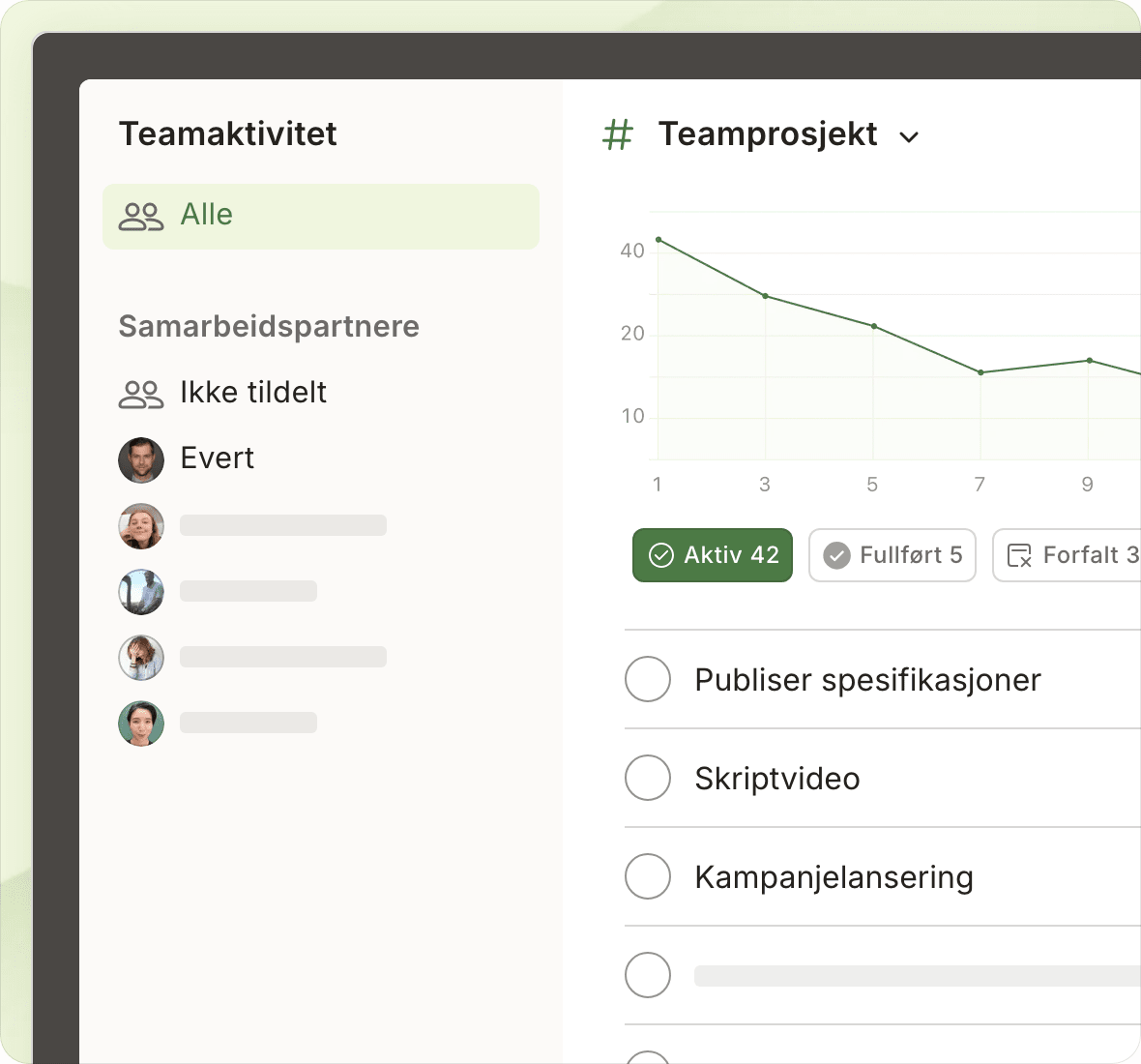
Project management, without the overwhelm.

Get clarity from day one. Plan projects, track progress, and collaborate in one shared space.

Project management, without the overwhelm.

Get clarity from day one. Plan projects, track progress, and collaborate in one shared space.

App of the day

Best To-Do List App

Best Wear OS

374,000+ ★★★★★ reviews on Google Play and App Store

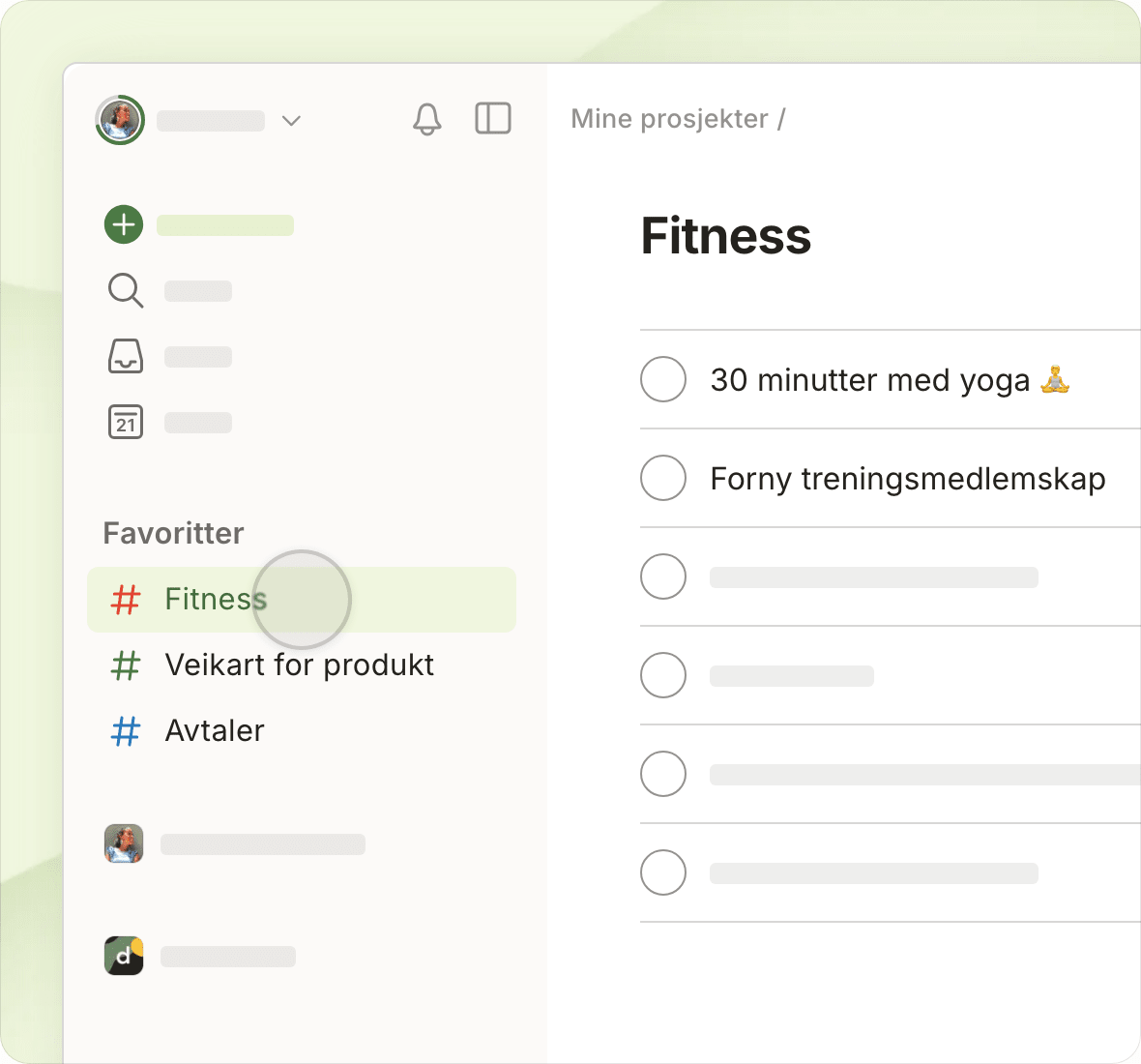
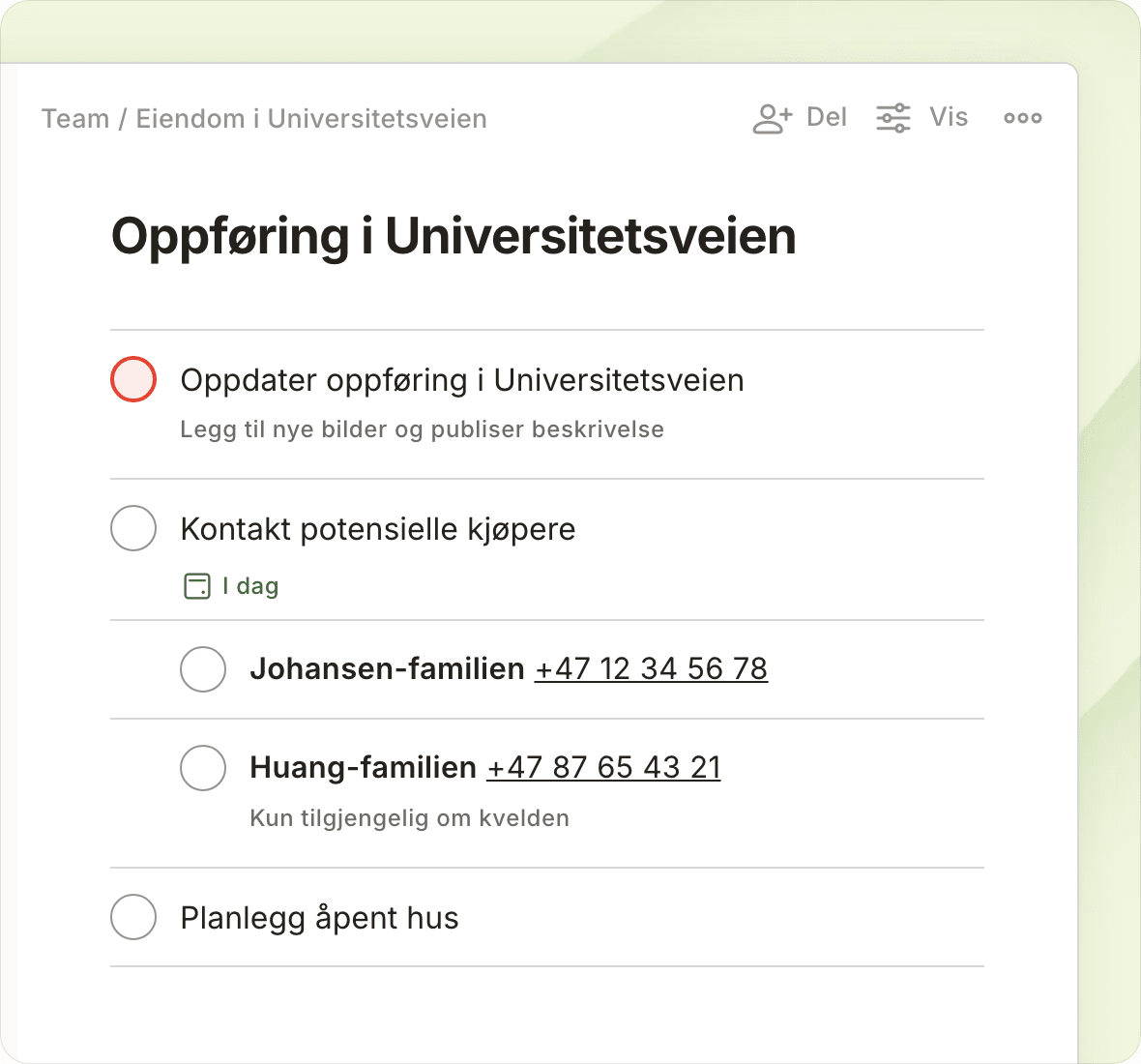
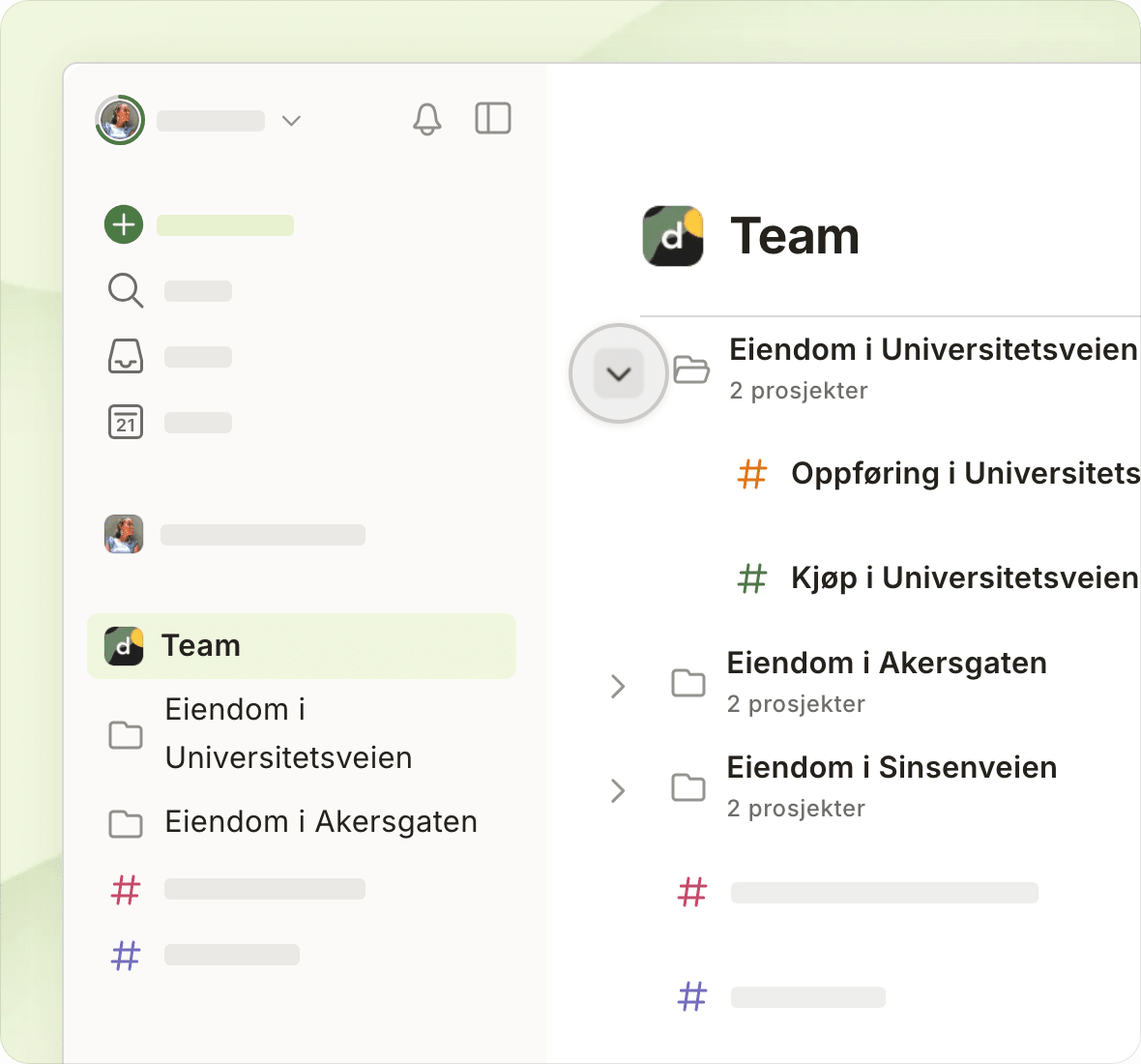
Create projects with flexible building blocks

Your projects (yes, even those tricky ones) will be up and running in a matter of minutes.

"By using simple elements such as sections, sub-tasks, and flexible views, we can easily track progress and adapt our projects on the fly."
Michael K.

Michael K.

IT Ghostwriter

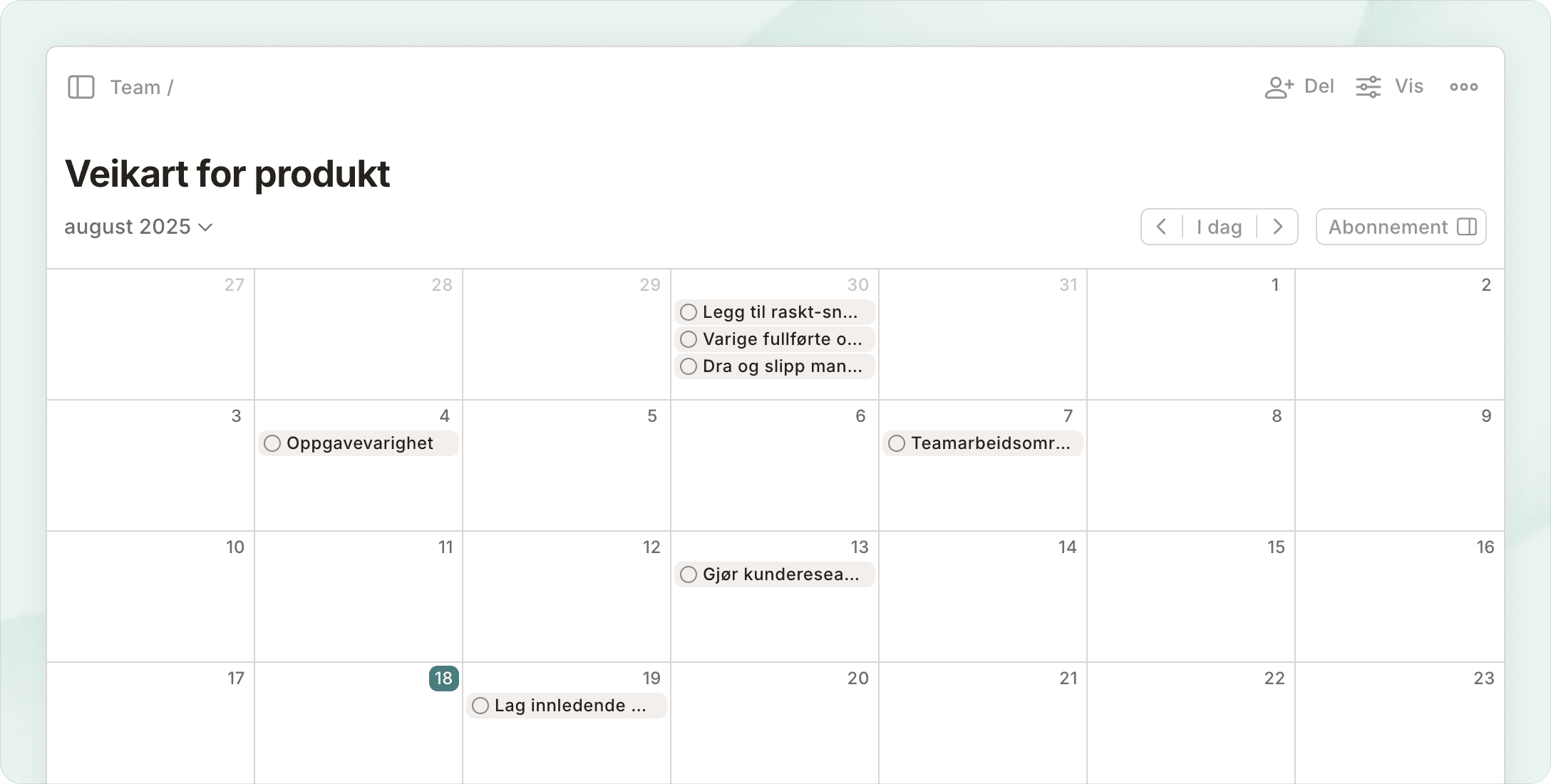
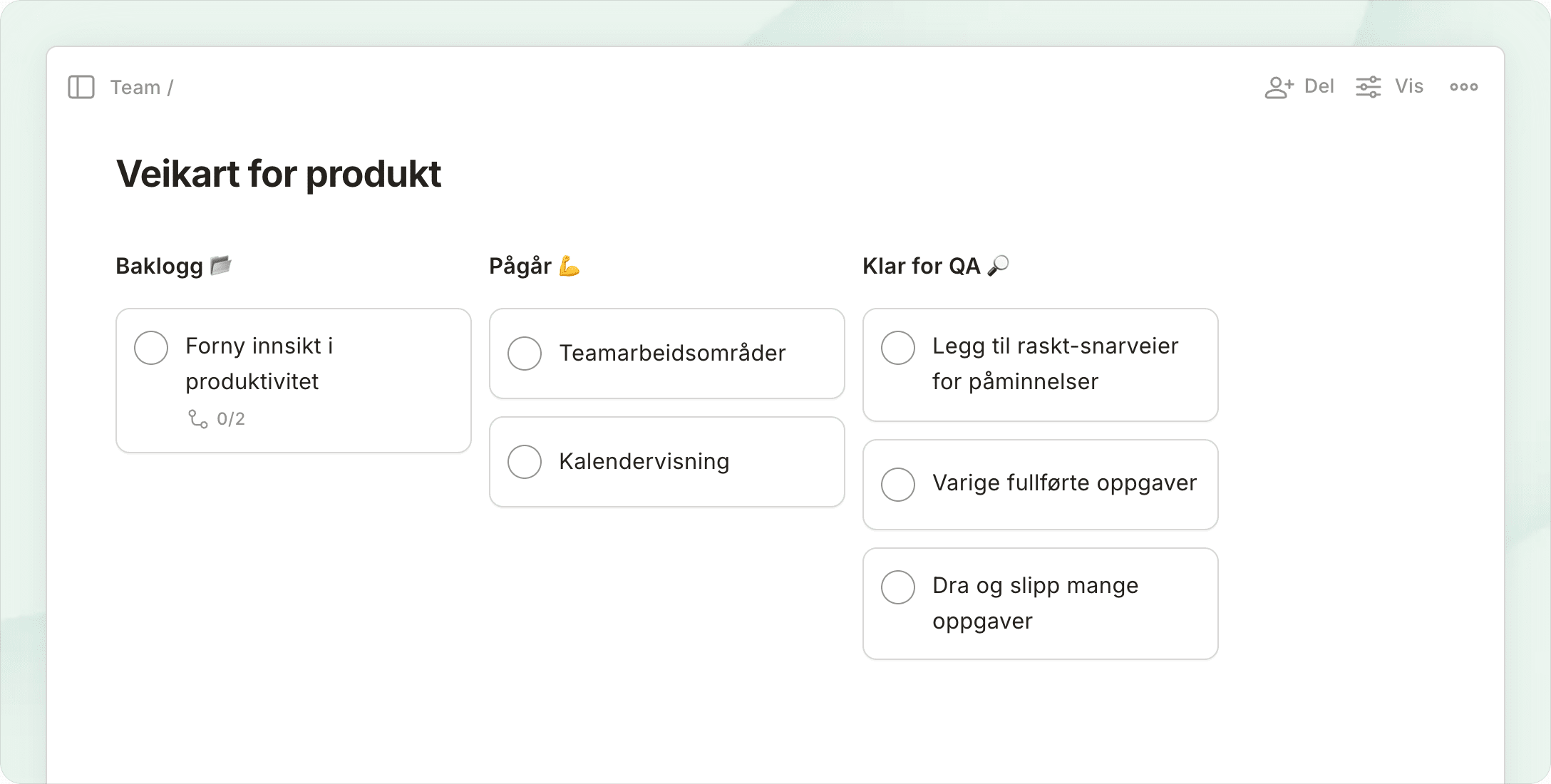
Views that flow with your day

Switch between views to keep your team aligned, whether you’re planning in lists, visualizing in boards, or scheduling in calendars.

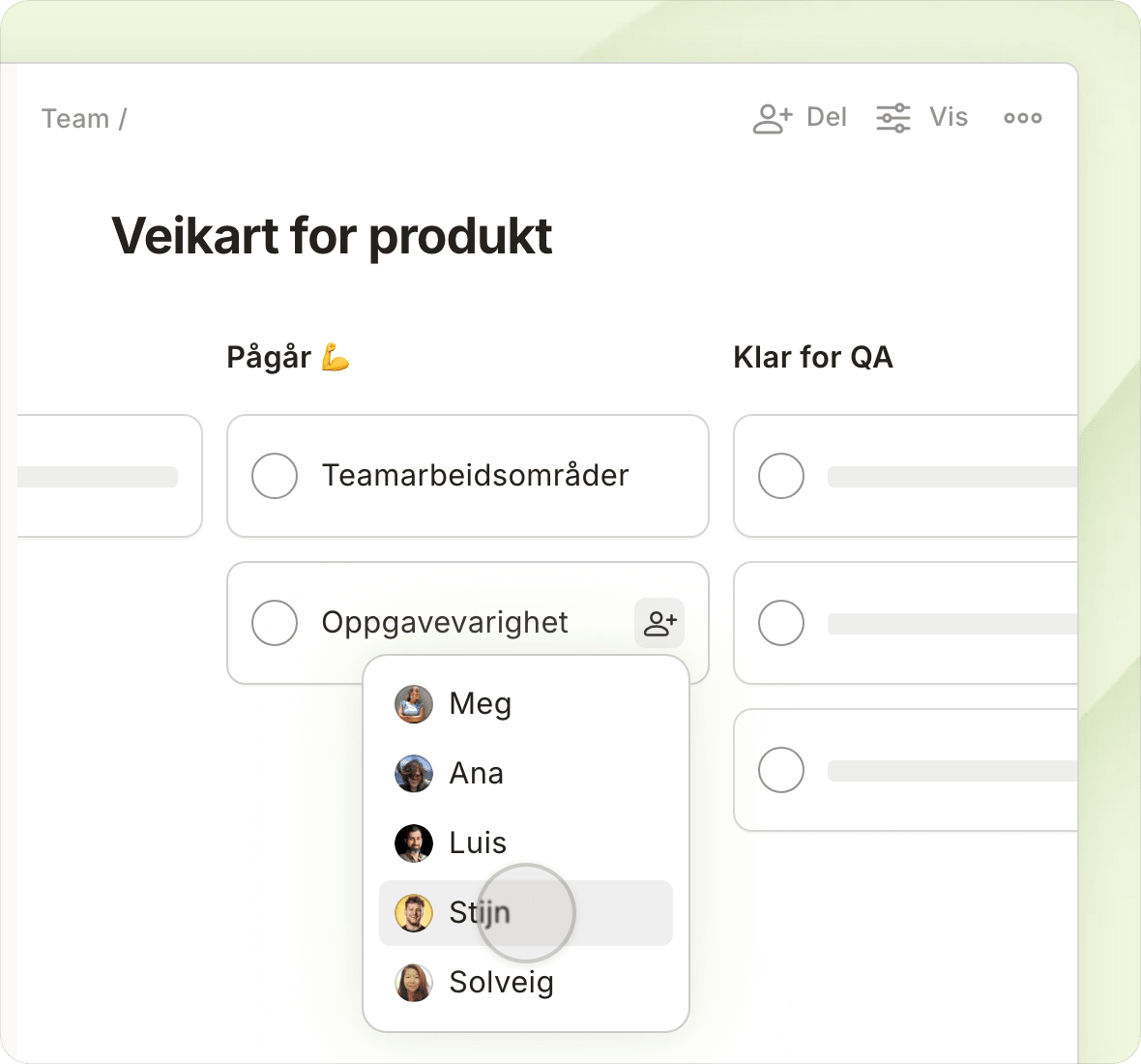
Assign clear owners, deadlines and instructions for each task

Most projects aren’t a one-person show. Gather everyone in one place and bask in the bliss of being on the same page.

"Todoist gives us just what we need: a streamlined space to align on goals and next steps, without getting bogged down in complicated project management features."
Michael M.

Michael M.

Cyber Security startup

Todoist scales smoothly from solo tasks to complex projects

Underneath Todoist’s deceptively simple hood lie powerful features that can support even the biggest projects.

"After using Todoist personally, I introduced it to my team for project management. We love that workspaces allow us to separate our business tasks and projects from our personal ones!"
Leon S.

Leon S.

Co-Founder of Market Eagle Agency

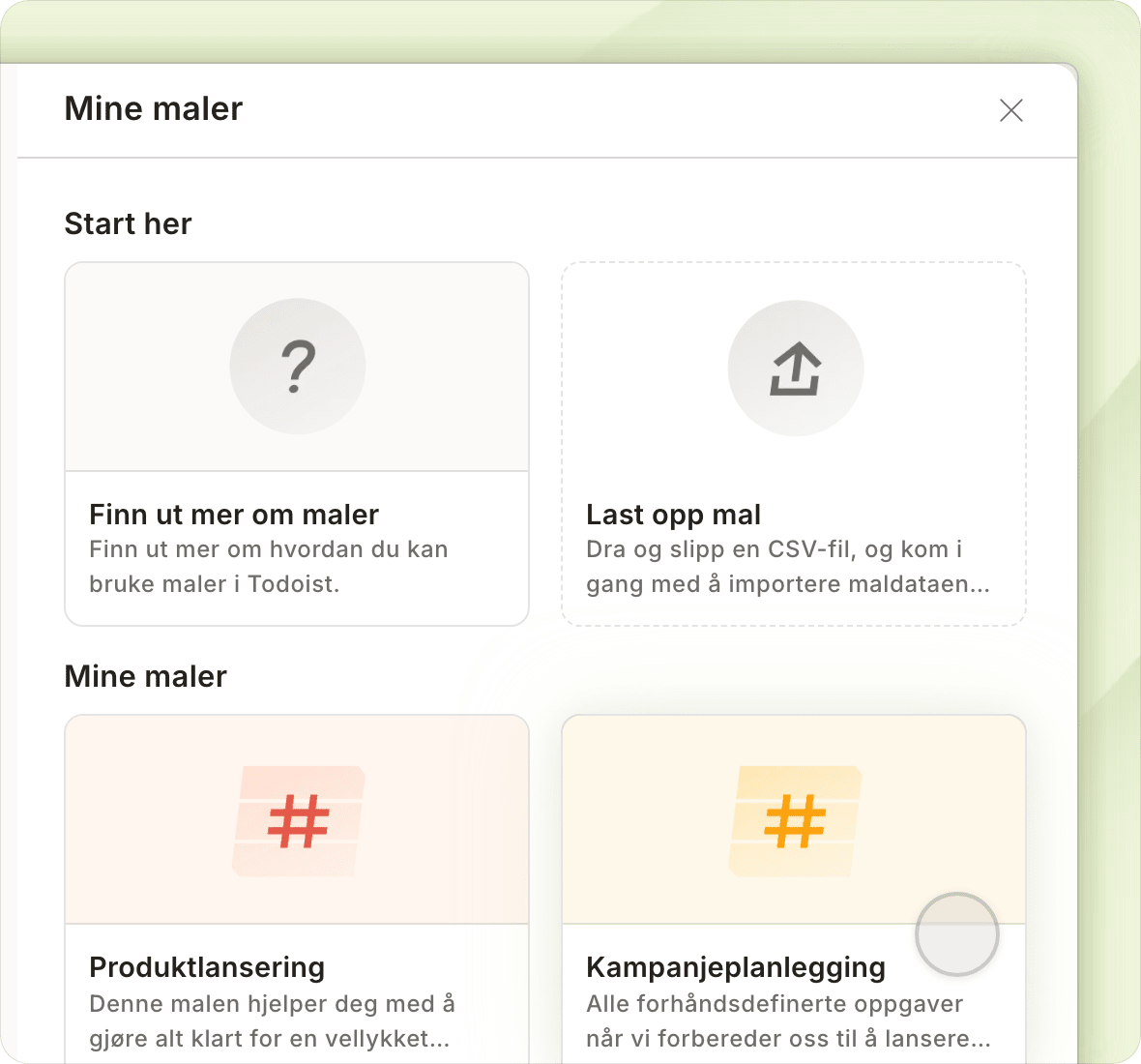
Take out the guesswork with grab-and-go templates


Project Tracker

A central, organized place to keep track of every step in your project, from organizing your ideas to measuring results.

List


Event Planning

Don't let any crucial event planning details slip through the cracks.

List


Product Launch

Track everything you need to organize before officially launching.

List

See all templates

Loop it all together with integrations

Todoist has 50+ integrations that'll make project management feel less like a hurricane and more like a breeze.

Calendar.png
Microsoft-Outlook-icon.png
integration-logo-trello.jpg

Simplify your work

Stay on top of all your work by connecting work tools with Todoist.

download (2).png
integration-logo-jira-1.jpg
826px-Microsoft_Office_Teams_(2018–present).svg.png

Tame your teamwork

Rein in the chaos by connecting emails, messages, and activity with Todoist.

Microsoft-Outlook-icon.png
task-assist.svg
Calendar.png

Most popular

The integrations our fellow Todoisters can't live without.

Join the 50k+ teams who manage their work and lives with Todoist

Start free trial

Frequently asked questions

You can go here to see a full overview of the features and limits for each team plan.

Yes! There are no limits to the amount of paid teams you can create.

However, billing is per team. If you have the same person in two different paid teams, you’d be paying twice for that person. This means that separate teams are best used when interacting with completely distinct groups — like clients, vendors, or partner organizations — with no crossover.

Instead of creating new teams, you may choose to use Folders and restricted projects to group and organize team efforts... in fact, that's how we do it ourselves.

The Business plan includes all the features of the Pro plan — like reminders, filters, and more — in addition to a few handy capabilities for team users and admins:

All team members will be able to:

  • Browse and preview public team projects and join only the ones that are relevant to them.

  • Share direct links to projects, sections, tasks, and comments that teammates can preview and instantly take action on.

  • Group or filter tasks by personal and/or team projects from the View Options menu in Today, Upcoming, and filter views to better separate work and life.

For team leaders, adding a team to Todoist:

  • Gives you a transparent, organized overview of all your team’s work and lets you pop in to see progress, without having to join each and every individual project.

  • Makes data ownership crystal clear. Team projects belong to the team. Personal projects belong to the individual.

  • Grants admins more control over permissions and data access in team settings.

Plus, when you upgrade your team to the Business plan, all members automatically get access to all personal Pro features – like reminders, calendar layout for projects, and task durations!

(After all, when your teammates are organized and on top of their personal to-dos, teamwork magically tends to flow more smoothly, too. 💆)

You can view a full overview of what is included with each plan on our pricing page.

We respect your privacy

We use cookies to improve our site and how we market Todoist. Select your preference, and we’ll remember your choice.