Fewer status checks. More shipped work.

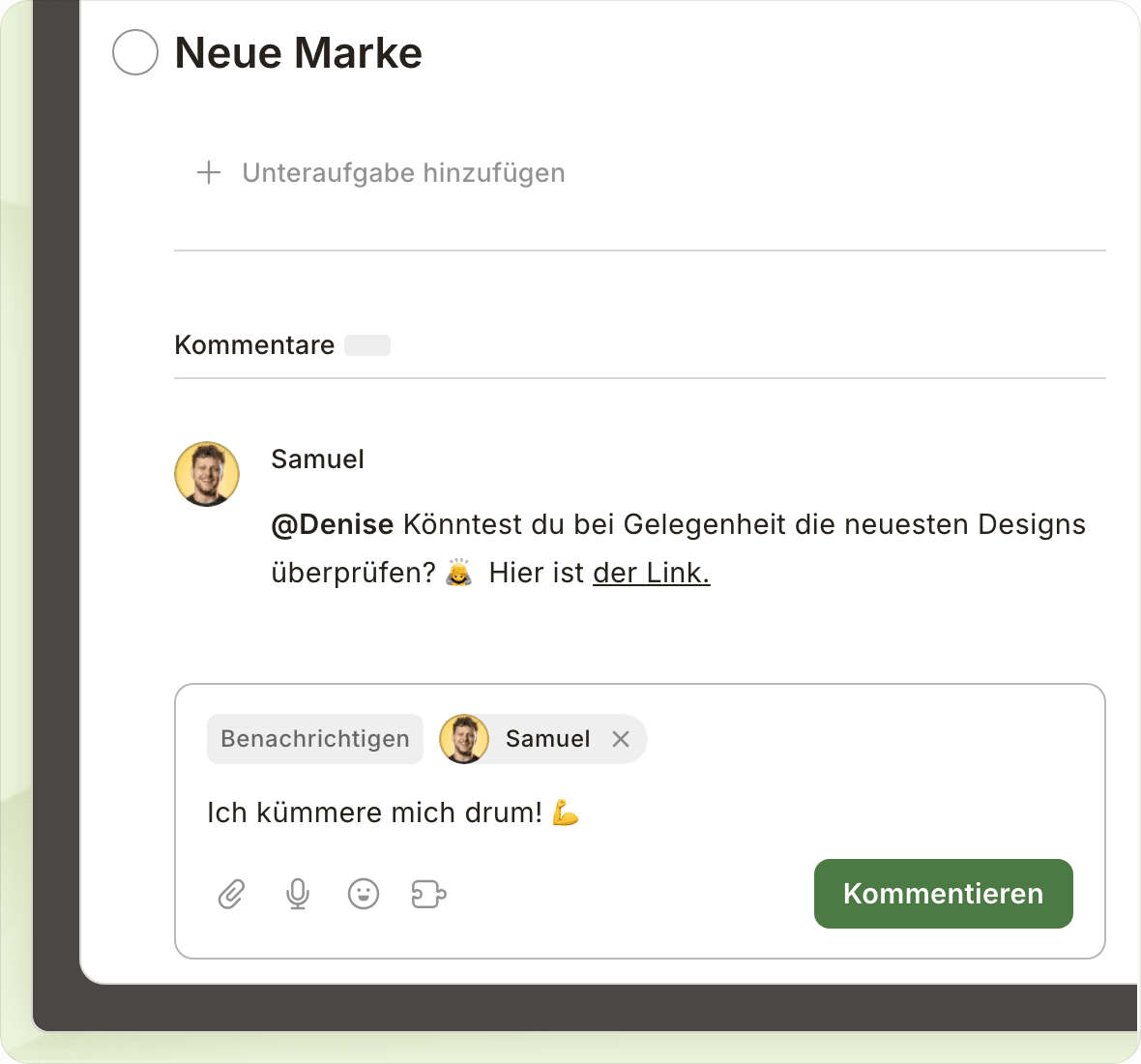
Collaboration that keeps teams moving. Share plans, keep context with tasks, and see progress at a glance.
Fewer status checks. More shipped work.

Collaboration that keeps teams moving. Share plans, keep context with tasks, and see progress at a glance.

Xceed Hardy Team Solareff Dfa IronOak Dolores Hare Birgo SolaresBauen

50k+ teams like yours manage their work and lives with Todoist

Start collaborating in seconds

Simple enough for everyone on your team to quickly pick up, yet powerful enough to execute your team’s most ambitious plans.
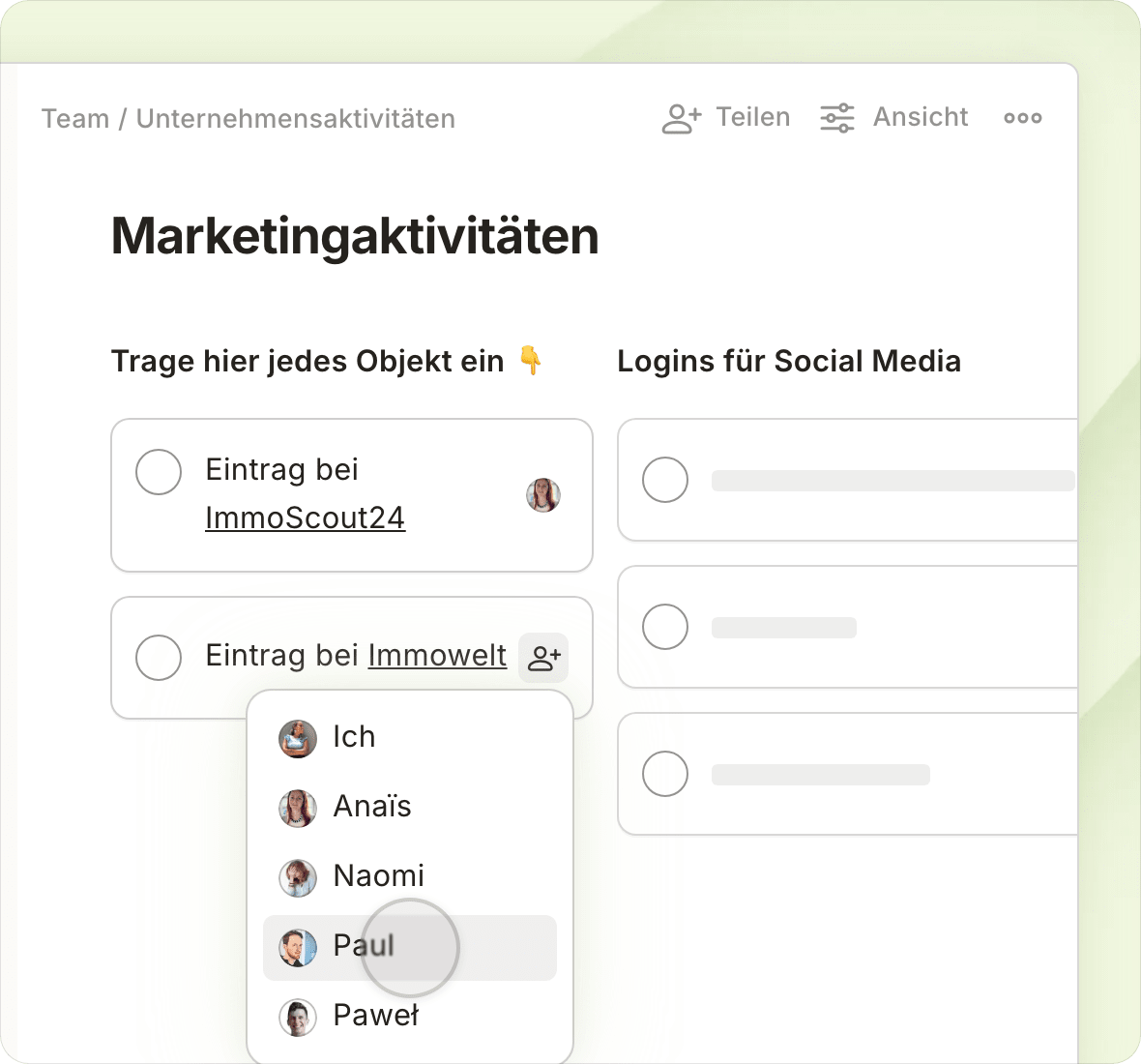
Discover the power of Todoist for teams with our guided walkthrough

Real teams. Real balance.

See how Jamie and the team at Westwood Strategies cut meetings, boosted ownership, and built a calm, focused way of working with Todoist.

From Solo Planning to Team Productivity

Empowered people make an unstoppable team

Everything you and your team members need to handle all that work (and life) throws your way.

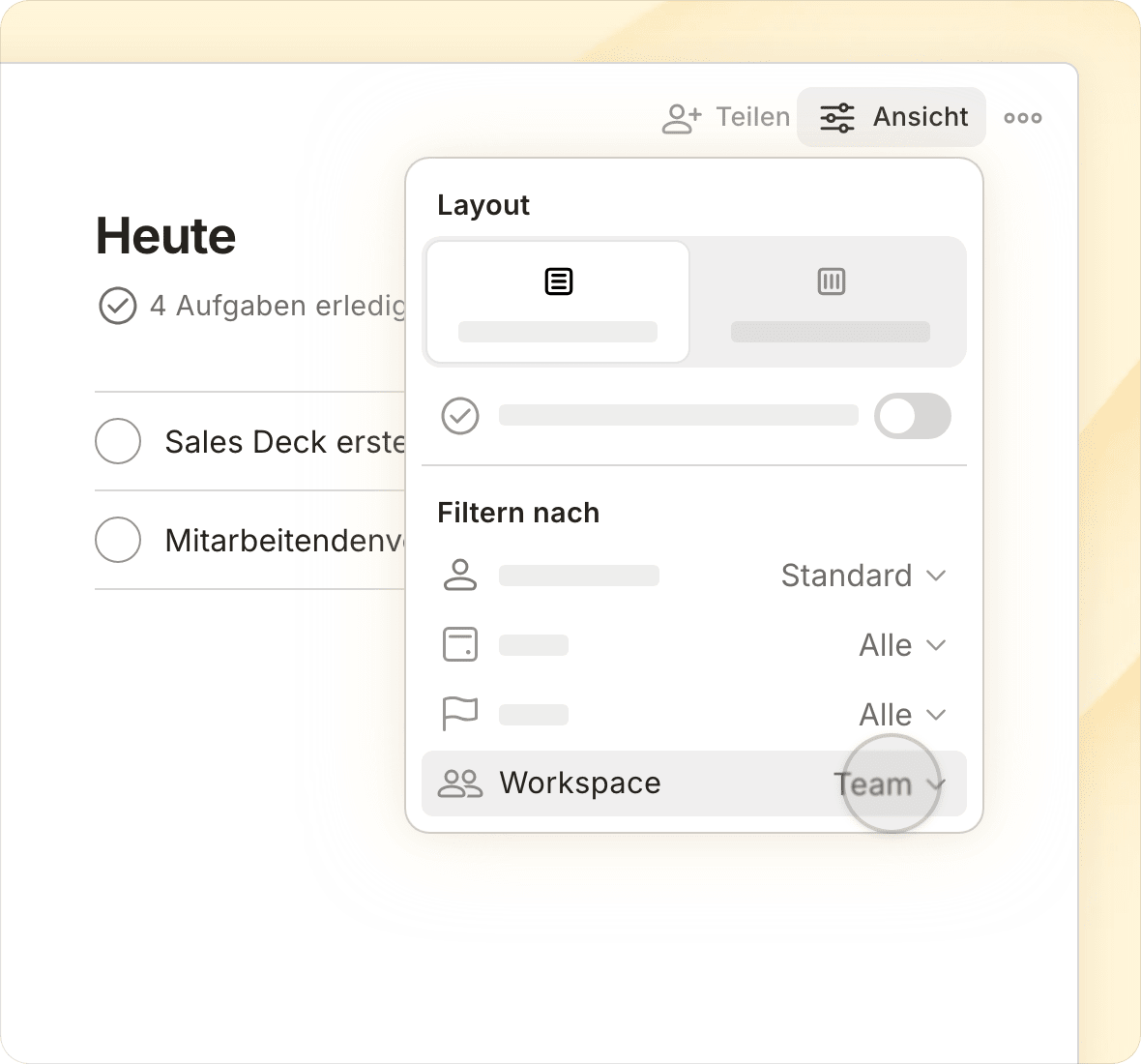
“Being able to filter tasks per workspace has been a game-changer. I no longer wake up to see my Today view filled with work tasks before the workday has even begun.”
Erik O.

Erik O.

Senior Support and Documentation Specialist

Crystal clear data ownership & permissions

You own your team data, we simply help you protect it.

Enterprise-grade security with SOC2 Type II certification.

Todoist meets the compliance standards your company requires, without the complexity.

Join the 50k+ teams who manage their work and lives with Todoist

Start free trial

Frequently asked questions

You can go here to see a full overview of the features and limits for each team plan.

Yes! There are no limits to the amount of paid teams you can create.

However, billing is per team. If you have the same person in two different paid teams, you’d be paying twice for that person. This means that separate teams are best used when interacting with completely distinct groups — like clients, vendors, or partner organizations — with no crossover.

Instead of creating new teams, you may choose to use Folders and restricted projects to group and organize team efforts... in fact, that's how we do it ourselves.

The Business plan includes all the features of the Pro plan — like reminders, filters, and more — in addition to a few handy capabilities for team users and admins:

All team members will be able to:

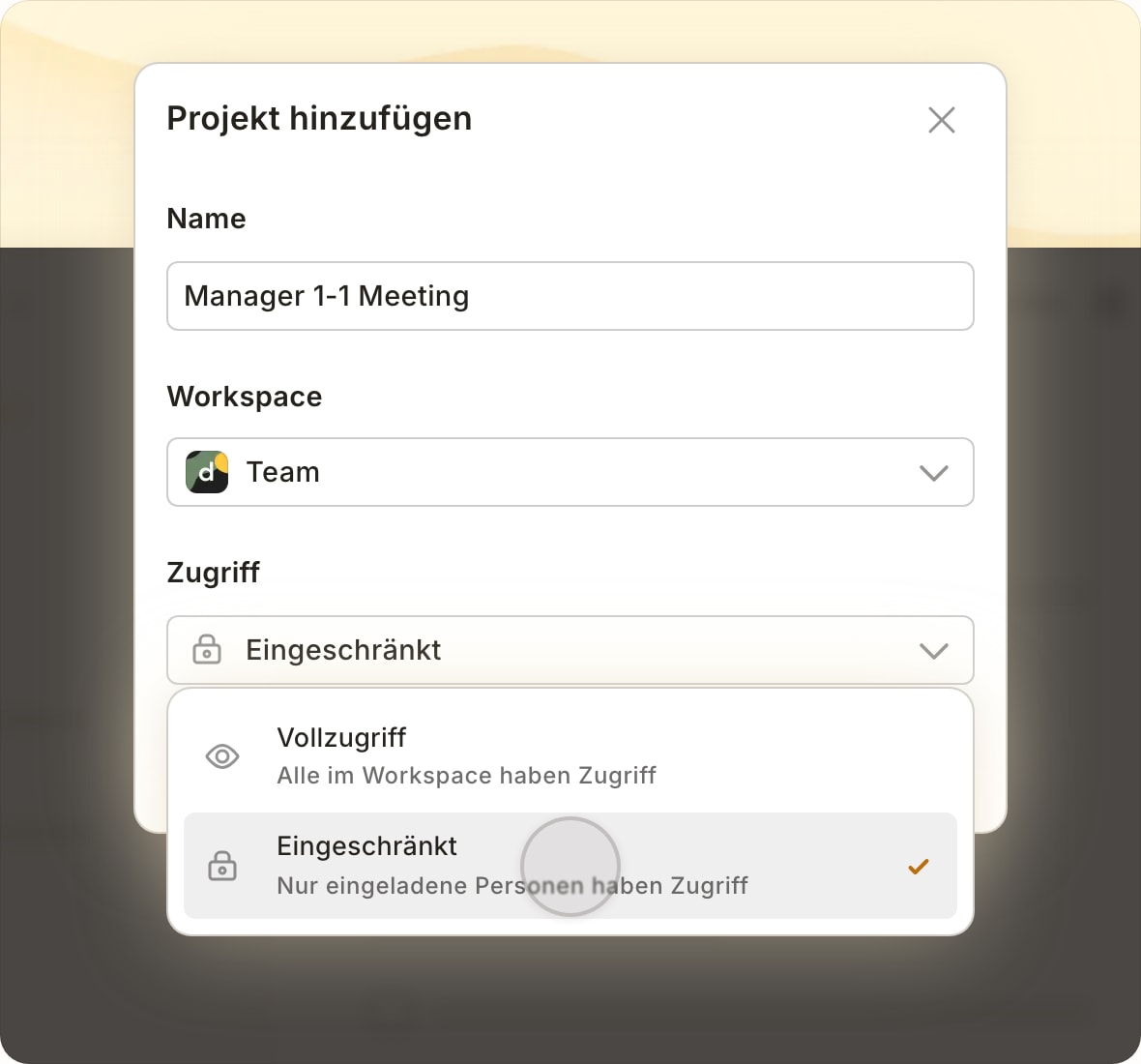
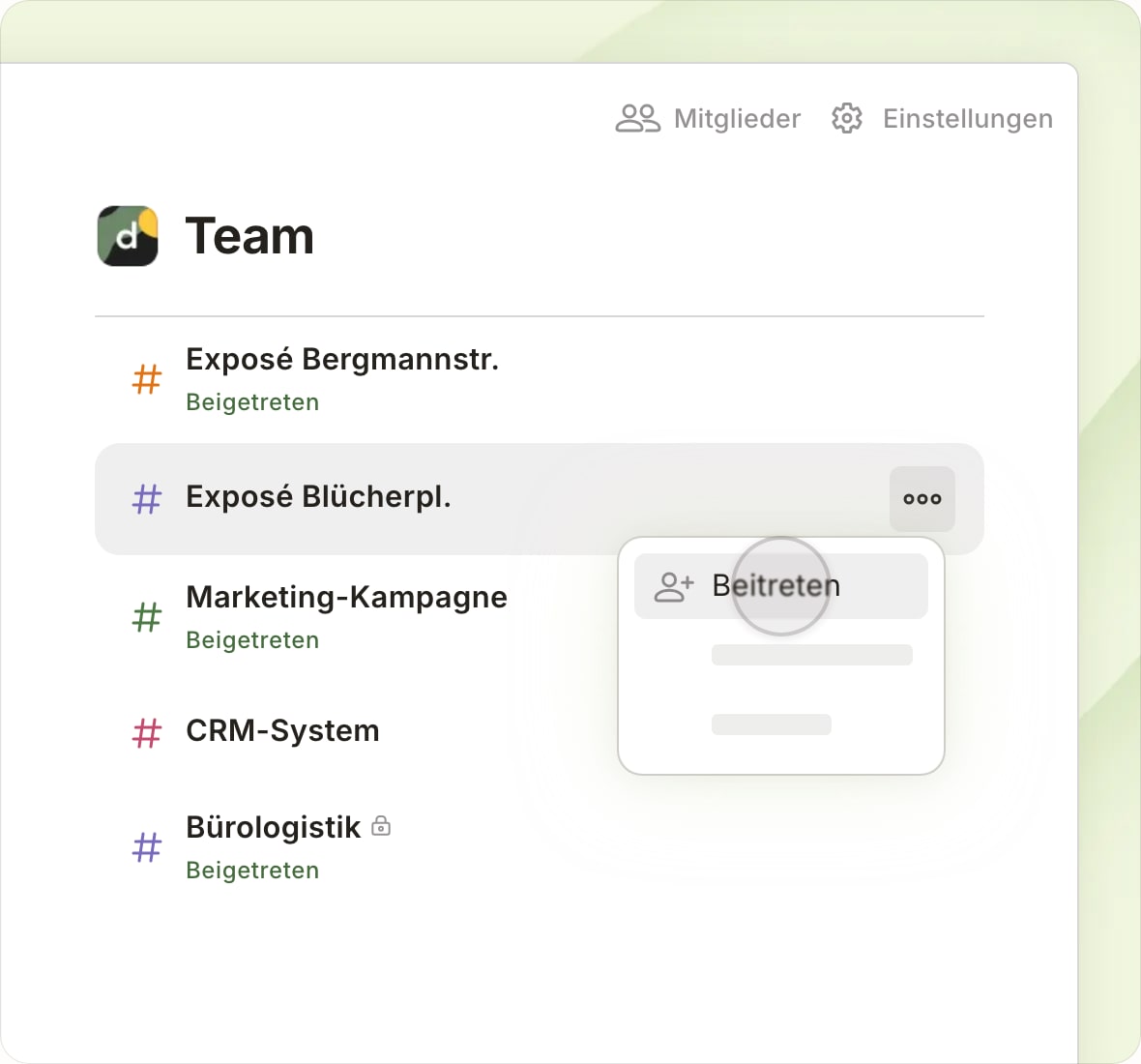
  • Browse and preview public team projects and join only the ones that are relevant to them.

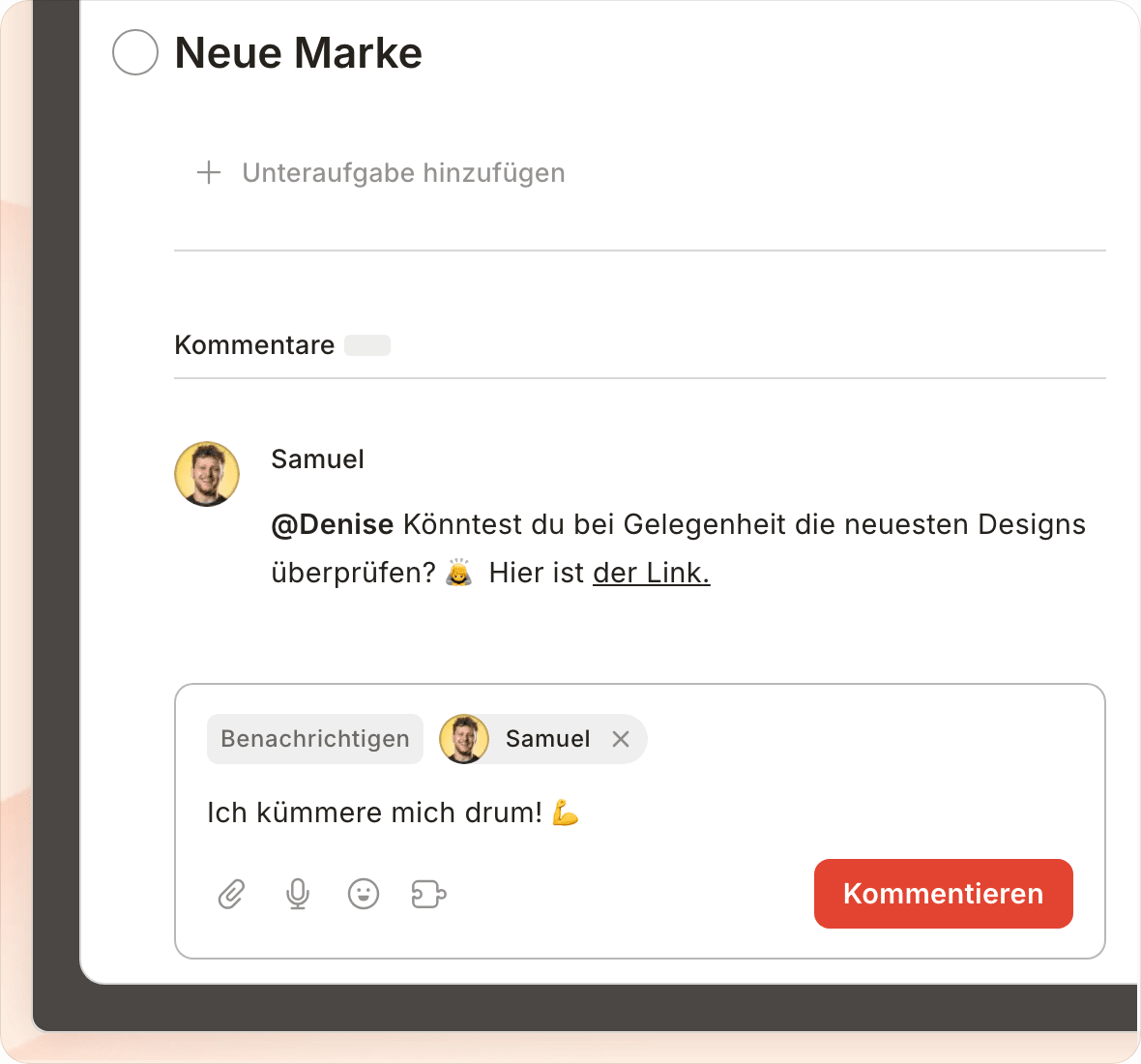
  • Share direct links to projects, sections, tasks, and comments that teammates can preview and instantly take action on.

  • Group or filter tasks by personal and/or team projects from the View Options menu in Today, Upcoming, and filter views to better separate work and life.

For team leaders, adding a team to Todoist:

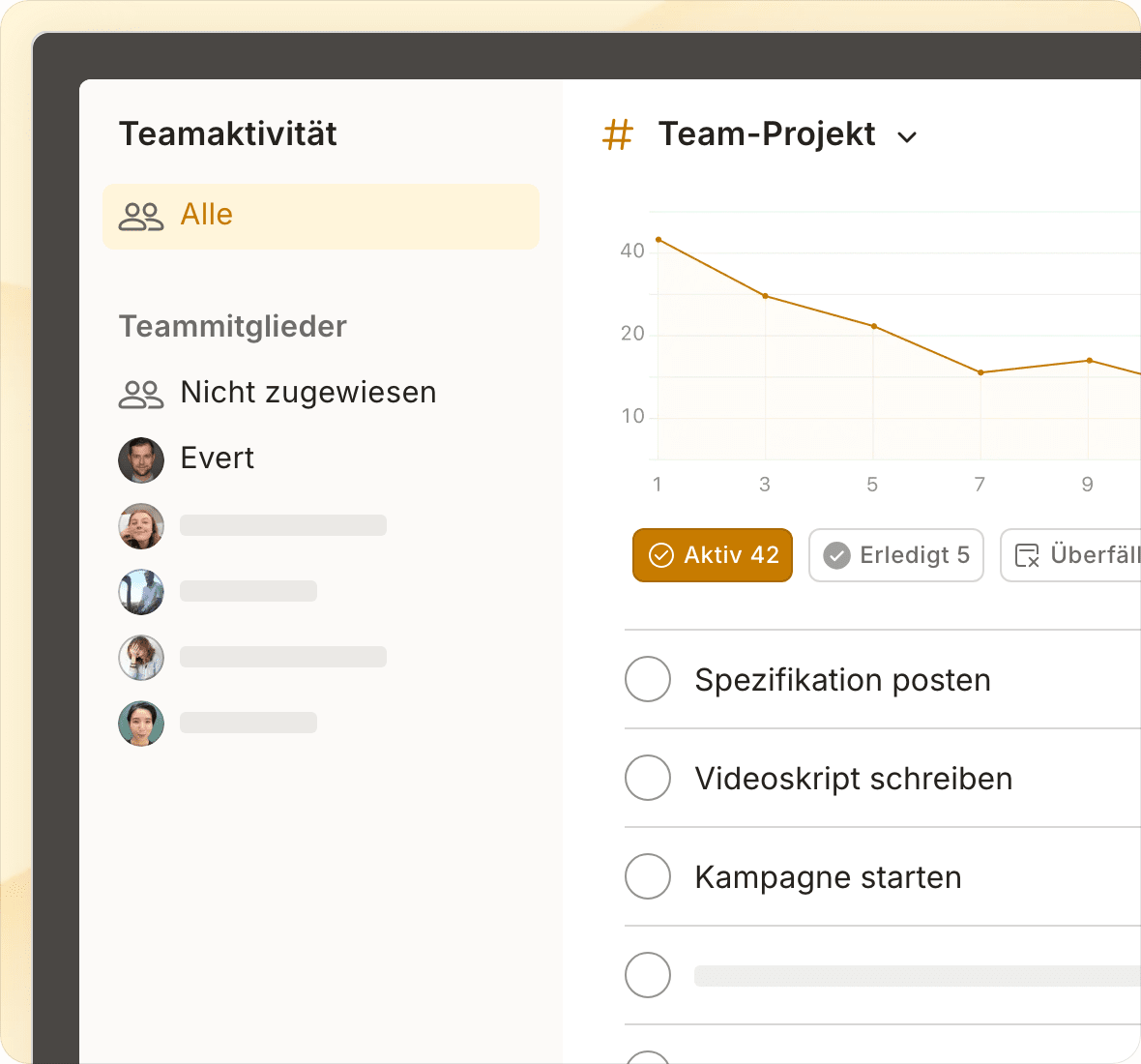
  • Gives you a transparent, organized overview of all your team’s work and lets you pop in to see progress, without having to join each and every individual project.

  • Makes data ownership crystal clear. Team projects belong to the team. Personal projects belong to the individual.

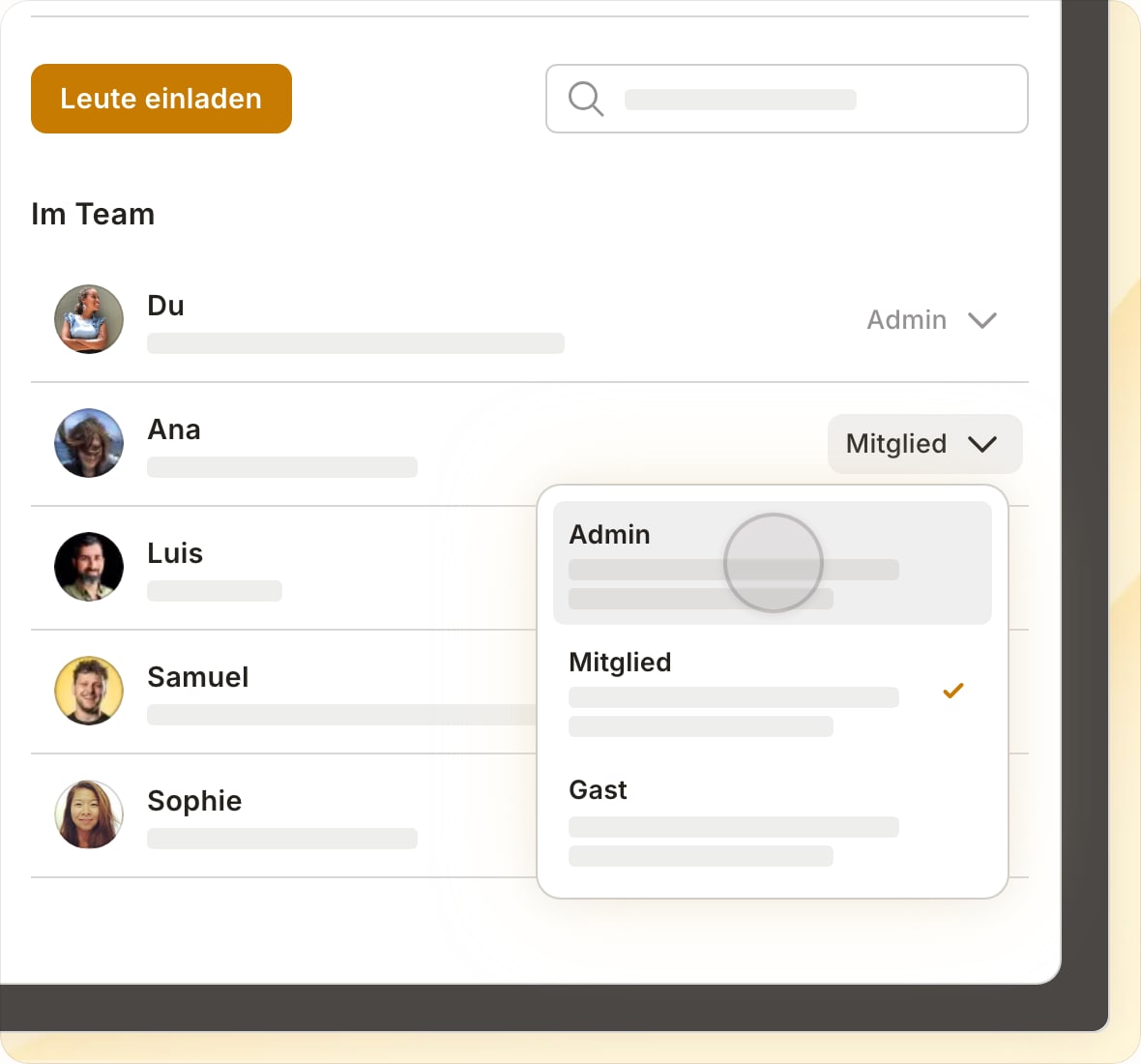
  • Grants admins more control over permissions and data access in team settings.

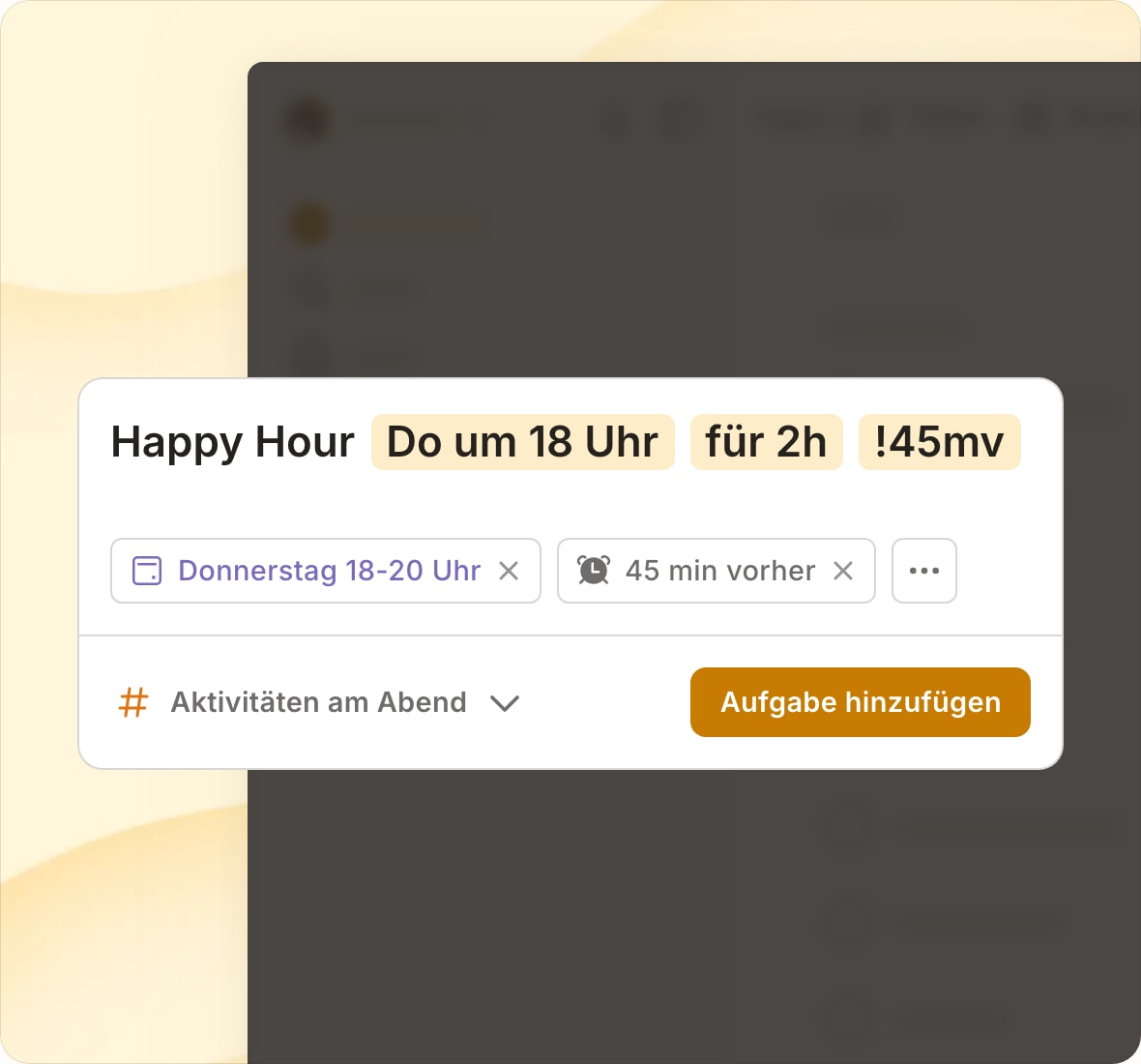
Plus, when you upgrade your team to the Business plan, all members automatically get access to all personal Pro features – like reminders, calendar layout for projects, and task durations!

(After all, when your teammates are organized and on top of their personal to-dos, teamwork magically tends to flow more smoothly, too. 💆)

You can view a full overview of what is included with each plan on our pricing page.

We respect your privacy

We use cookies to improve our site and how we market Todoist. Select your preference, and we’ll remember your choice.